
If you are a tradesperson or working from the office and you’re looking to work smarter, we found the best AR glasses at CES 2026 to help you read blueprints and take calls hands-free. In this guide, we’ll look at top picks like the Meta Ray-Ban Gen 2 and the XREAL 1S to find the pair that’s right for you. We’ll also explore the latest features of all the AR glasses we tried at CES 2026 to give you an inside look at how AR glasses are slowly becoming mainstream.
Best AR glasses at CES 2026
1. Meta Ray-Ban Gen 2

| Pros | Cons |
| – Up to 8 hours of battery time- Intuitive hand signals for communication – Can take high-resolution photos and videos – Full color display – Teleprompter feature – Built-in speakers – Able to take and make phone calls to contacts – Can translate languages using display and core AI technology – Loads of sleek styles available | – On the bulkier side compared to traditional sunglasses – Bigger learning curve with Meta neural band for control |
The Meta Ray-Ban Gen 2 is all about staying connected while you keep your hands on your tools. These look just like classic sunglasses, but they are packed with smart tech that helps you communicate with your team without stopping your work.
The Gen 2 model is a huge step up from the first version. It feels much more durable, which is great if you’re moving around a job site. The frames are light enough to wear all day, but they feel sturdy. What makes these different from Gen 1 is the improved AI and the better camera. You can now use “Look and Ask” features that tell you what you’re looking at.
Unique use cases:
- Showing a remote boss exactly what a leaky pipe looks like via a video call.
- Using the teleprompter to read through a safety checklist while walking a site.
- Translating a manual on the fly if the instructions are in a different language.
2. XREAL 1S AR Glasses
| Pros | Cons |
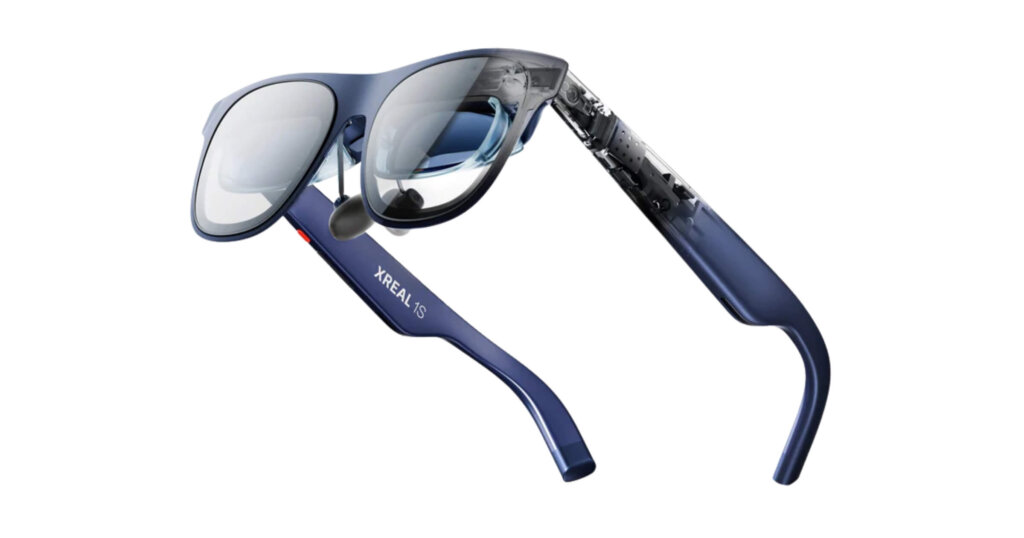
| – Projects a full screen with a wide 52-degree field of view – 120Hz refresh rate for smooth video – Built-in Bose audio speakers with noise-cancelling – Ultra low latency (3ms) to avoid lags – Can watch, read, or work anywhere once connected | – Lightweight (82 grams), but not as light as some other models – The fit is a bit bulky, even with the soft nose pad |
If you need a giant computer screen that fits in your pocket, the XREAL 1S is for you. These glasses plug into your phone or laptop and project a massive, clear image right in front of your eyes.
The XREAL 1S is built for people who need to see data or drawings in high detail. These stand out because they focus on “spatial computing,” meaning the digital screen stays put even when you move your head. They are built tough, but they are definitely designed more for indoor or covered work since they need a cable connection to a device.
Unique use cases:
- Reviewing 3D CAD models on a virtual 130-inch screen while sitting in your truck.
- Watching training videos during a lunch break without needing to hold a tablet.
- Comparing digital blueprints to the actual wall in front of you.
3. Metabounds AR & AI Glasses
| Pros | Cons |
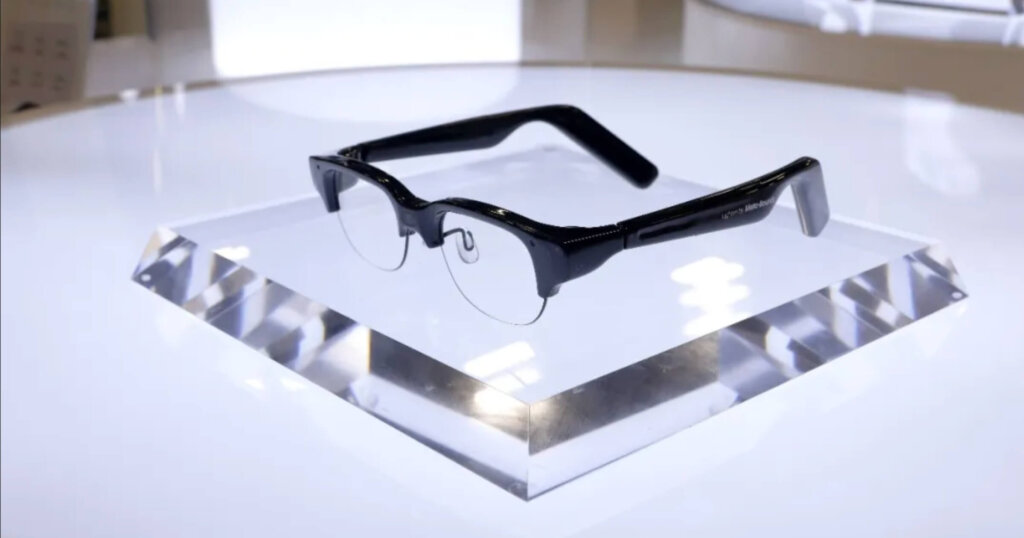
| – Super lightweight (25 grams) – Simple and sleek design – Easy finger controls to manage menus – Teleprompter feature included – AI-powered speech and object recognition – Able to take and make phone calls | – Only available as a B2B product (for businesses) – Not fully hands-free (requires finger touch) |
The Metabounds glasses are some of the lightest smart glasses we have ever seen. They look almost exactly like regular reading glasses, making them perfect for people who don’t want to look like they’re wearing a computer on their face.
These glasses are all about “all-day wearability.” At 25 grams, you will forget you even have them on. They are made of high-strength materials that can handle the bumps and drops of a busy workday. What makes them different is their focus on “Lightweight AI,” giving you the info you need without the heavy weight of big batteries.
Unique use cases:
- Scanning a barcode on a part and having the AI tell you if it’s in stock.
- Getting real-time captions of what a coworker is saying in a loud machine room.
- Checking your daily schedule with a quick tap on the frame.
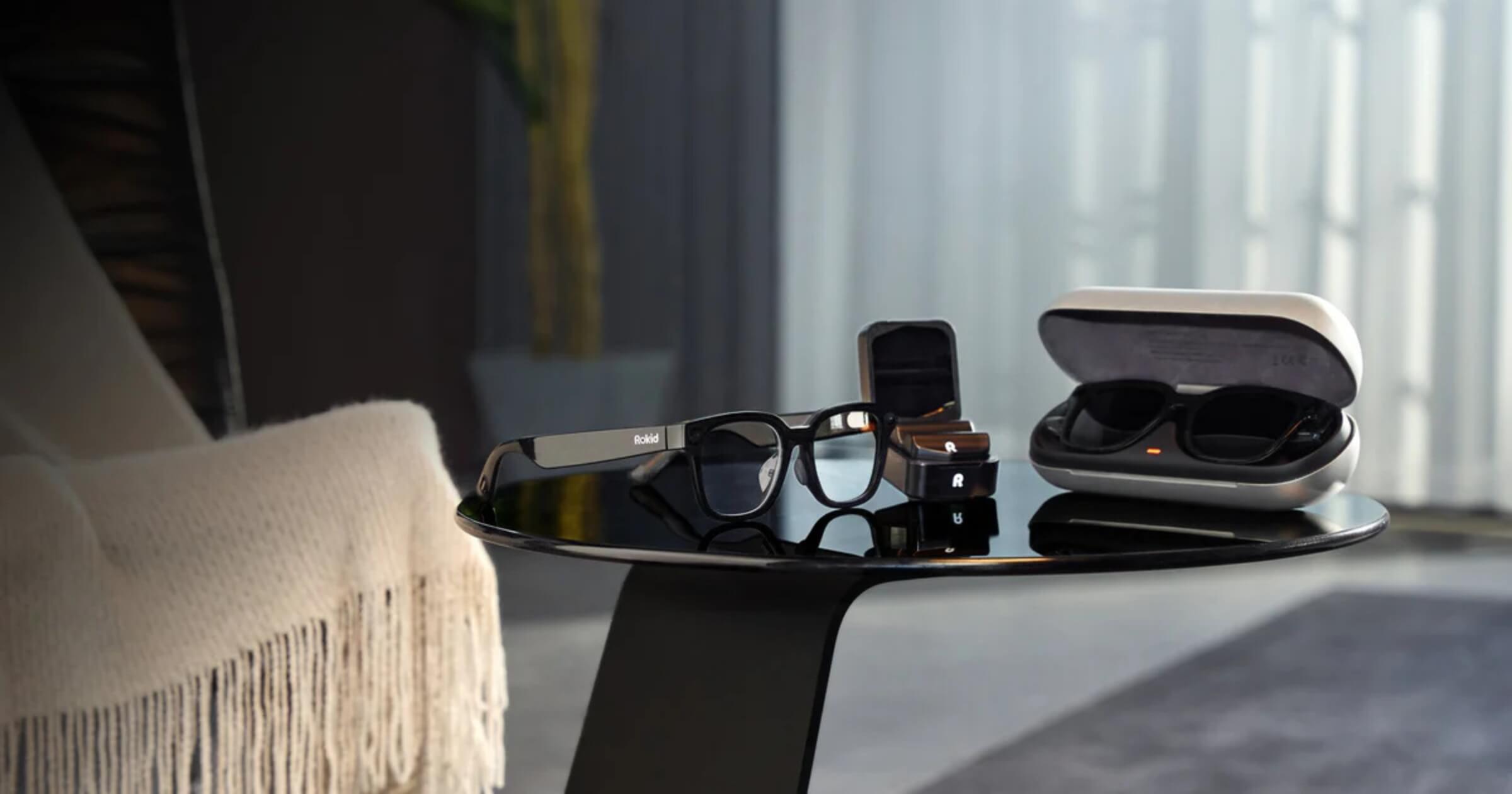
4. Rokid AR Lite
| Pros | Cons |
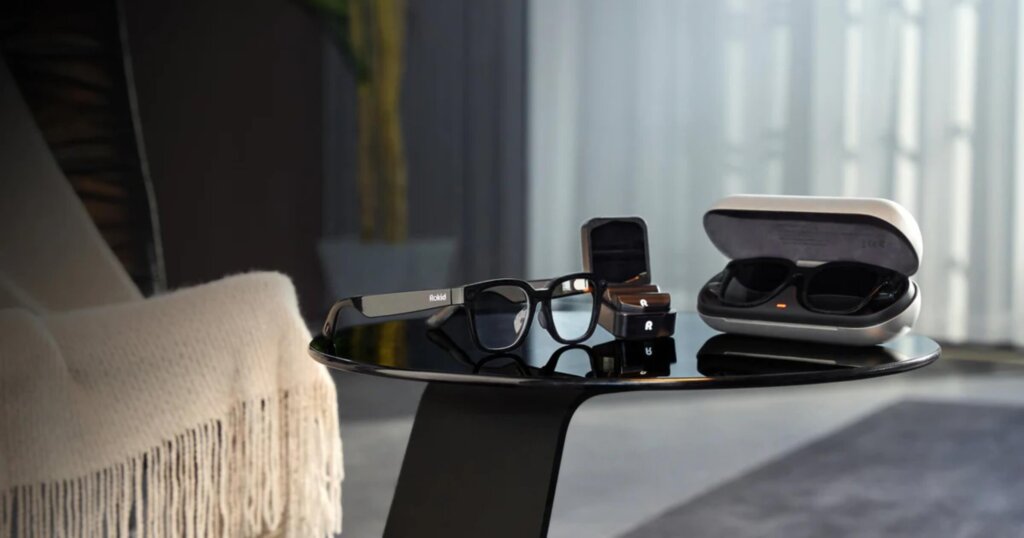
| – Super bright display that works well even in sunlight – Large “screen” feel for better productivity – Very comfortable for long periods – Adjustable for people who wear prescription glasses | – Requires carrying the external “Station” pack |
The Rokid AR Lite is designed to be a “spatial companion.” These glasses come with a special processing unit that looks like a small remote, taking the weight off your face and putting it in your pocket.
Rokid focuses on making the digital world look real. These glasses are very durable and feature a design that doesn’t put pressure on your nose. They differ from other AR glasses because they let you have multiple “windows” open at once in the air around you, allowing you to access several “tasks” at once.
5. Toall Pocket Cinema 1 & 2
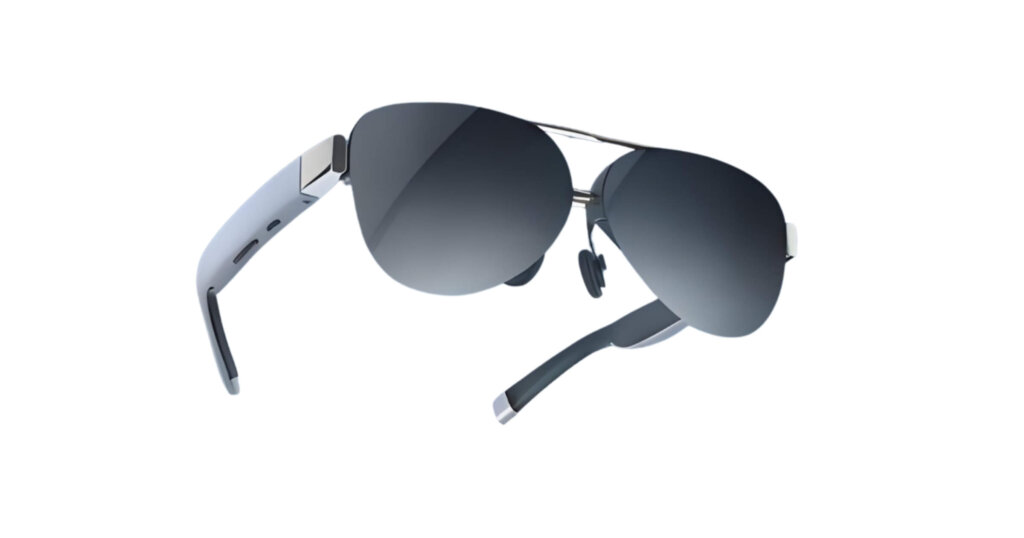
| Pros | Cons |
| – Incredible color and brightness – Very easy to set up and use – Compact folding design – Oval aviator design | – Not as many “smart” AI features as Meta or Rokid – More focused on entertainment than pure utility |
The Toall Pocket Cinema models are built for those who need the best possible picture quality. While many AR glasses focus on data, these focus on visuals.
These are lightweight and come in two versions: Cinema 1 and Cinema 2. The Cinema 2 offers a slightly wider view and better battery life. They are built with high-quality plastics that resist scratches. They also have various designs including an oval shape, giving you a wider variety of looks. What makes these glasses different is their visual offerings—they feel more like a portable theater than a computer.
Unique use cases:
- Inspecting high-resolution drone footage of a roof on-site.
- Using them as a secondary monitor for a laptop in a mobile office.
What to consider before buying AR Glasses
Before you drop your hard-earned cash on a pair of AR glasses, think about these points:
- Define your primary use case: Do you need to see blueprints, or just take hands-free phone calls?
- Assess power and performance: Will the battery last through your whole shift?
- Review warranty and support: Construction sites are tough. Make sure the company covers accidental damage or has a solid warranty.
- Check for safety features: Ensure the glasses don’t block too much of your peripheral vision while you’re walking around hazards.
- Fit and comfort: If they are too heavy or pinch your nose, you won’t wear them. Look for models under 80 grams for all-day use.
Want more gear reviews? Check out our latest look at Caterpillar’s new AI tech or see which battery-powered pressure washers actually have the power to get the job done.
Stay ahead of the curve! Subscribe to our newsletter to get the latest tool reviews and trade news delivered straight to your inbox.