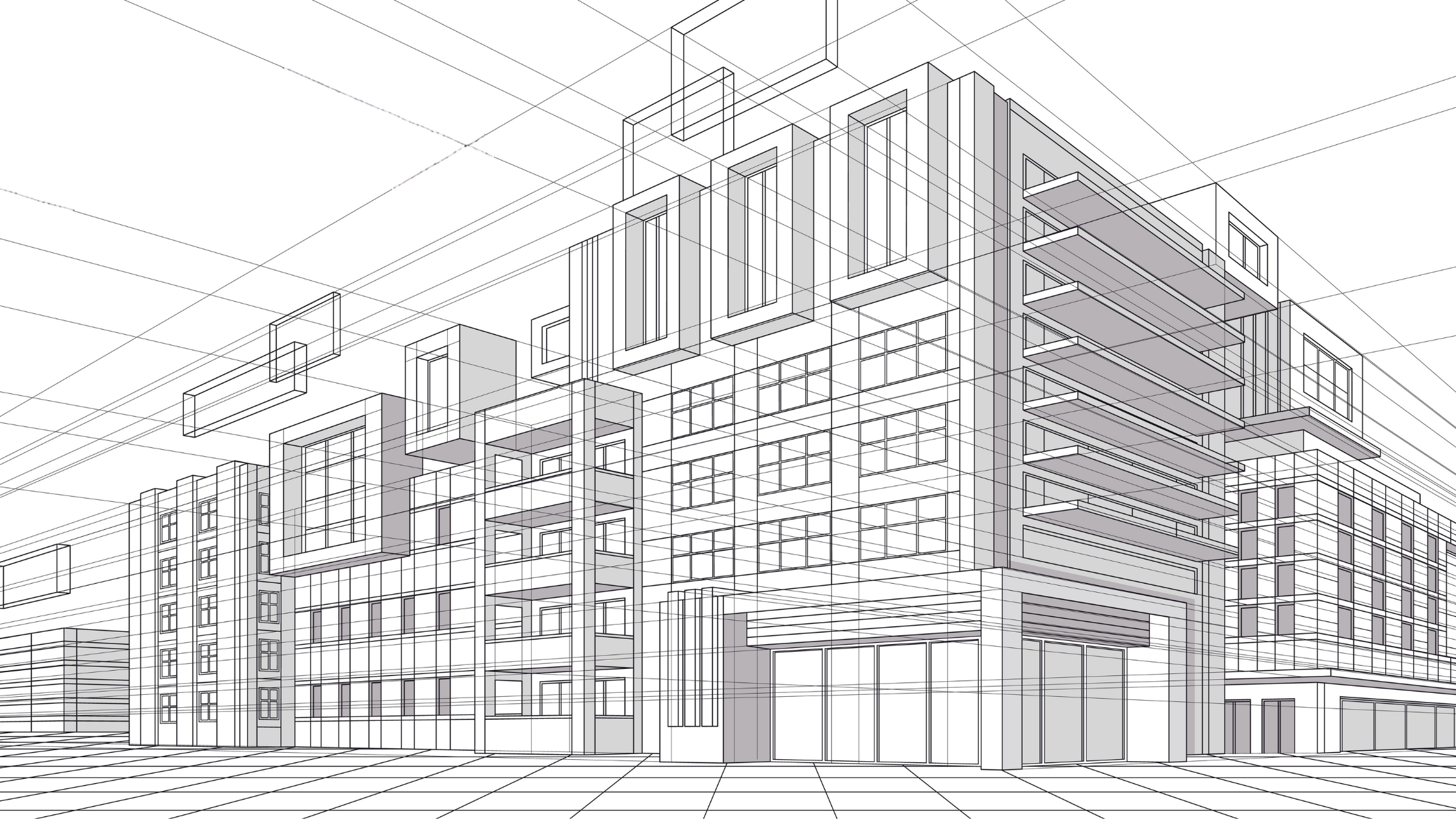
3D modeling is changing how construction projects are planned and executed. Instead of relying on pen-and-paper two-dimensional drawings, teams can create a realistic, three-dimensional version of a project before it’s actually built. For contractors, that means fewer surprises, better coordination, and greater build accuracy. In this article, we’ll break down how this technology works, why it is essential for modern building projects, and how you can get started with the best tools available. See how digital models help teams build more accurately and avoid expensive mistakes on the jobsite.
What is 3D modeling?
In construction, 3D modeling is how we move past flat, 2D blueprints to create a precise digital replica of a project. Instead of just looking at lines on a page, you are building a three-dimensional version of the structure using specialized software. This allows everyone on the team to visualize the true depth, scale, and how different parts of the building fit together in a real-world space.
Using this technology makes life on the jobsite much smoother. It helps the office and the field stay on the same page, which reduces costly errors and speeds up and improves the accuracy of planning the actual build.
How is 3D modeling used in construction?
On construction sites, 3D modeling doesn’t work in isolation—it’s often tied directly into Building Information Modeling (BIM). The 3D model shows the shape, while the BIM side adds the “brains”—materials, costs, and systems like HVAC or plumbing.
Contractors use these models to plan and execute work with great precision. They can map out earthworks, manage machine control systems on heavy equipment, and locate underground utilities before any dirt is moved. By connecting this digital model to real-world execution, teams can make sure the physical work matches the digital plan.
Why 3D modeling matters in construction
3D modeling does more than provide visualization of a project—it impacts how safely and efficiently a project is built. By giving teams a sharper, more detailed view of the project, this technology helps mitigate risk at every stage.
Here are the major advantages:
- Clash detection: 3D modeling allows teams to identify conflicts—like finding where a pipe might hit a steel beam—before materials are ordered or installed. Finding these overlaps early prevents headaches later.
- Cost savings: By catching errors in the design phase, you significantly reduce rework and material waste, keeping projects on budget and on schedule.
- Safety: 3D models provide a virtual tour of the site. This allows crews to spot potential hazards, such as tight spaces or overhead power lines, long before they arrive at the location.
How 3D modeling differs from 2D
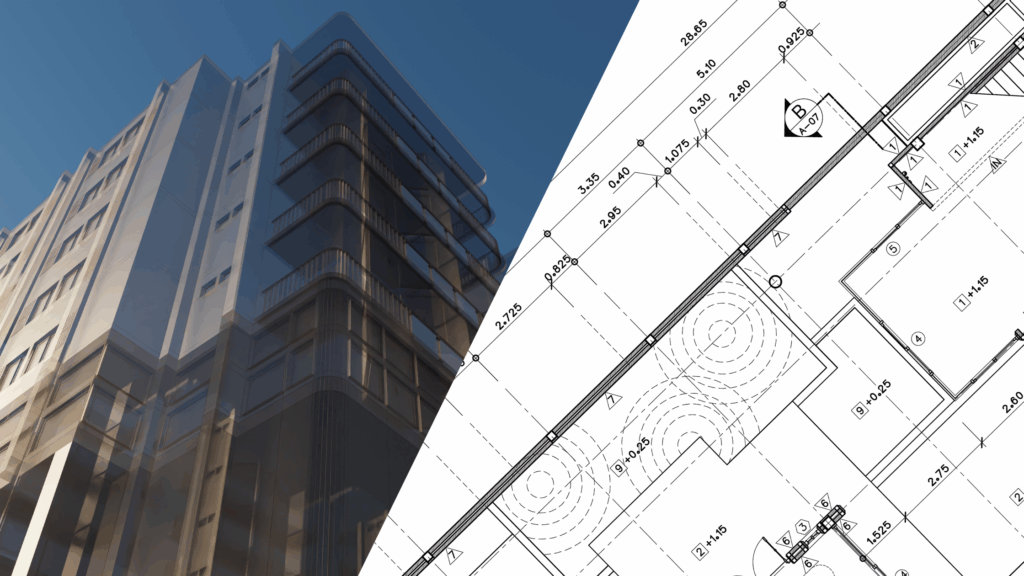
To understand the full value of this technology, it helps to see how it compares with traditional tools used for decades.
3D modeling vs. 2D drawings
A 2D drawing is a flat representation, like a floor plan or a site map. It shows where things go, but not how they exist in real space. In contrast, a 3D model brings the project to life—it allows you to visualize the depth, scale, and how components interact, making it easier to spot inconsistencies like misaligned elements or poor clearance, which a flat drawing might miss.
3D modeling vs. BIM (Building Information Modeling)
These terms are often used together, but have different purposes. 3D modeling is primarily about geometry—what the object looks like in space. BIM adds to that with data, such as material costs, delivery schedules, and even future maintenance needs. While 3D shows you what it looks like, BIM tells you how it works and what it costs.
Where 3D modeling is used
While it’s a cornerstone of the AEC world, 3D modeling is a massive part of almost every modern industry.
- Other industries: You see this tech every day in movies for CGI special effects and in video games to create immersive worlds. It is also used in medicine to create 3D organ models for surgical planning and in car design to test aerodynamics before a physical prototype is built.
- Construction use cases: On the jobsite, it is used for site layout planning to ensure equipment can move safely. It is also vital for high-accuracy as-built documentation and automated machine grading, where a 3D model tells a bulldozer exactly how deep to dig for a new road or parking lot.
What is the best 3D modeling software?
There are many tools available, and the right one for you depends on what you need to achieve.
Autodesk 3ds Max
Best for: High-end architectural visualization and photorealistic rendering
Autodesk 3ds Max is the industry standard for making buildings look completely real in marketing images. It is powerful and allows for incredible detail, from the texture of a brick wall to the way light reflects off a window.
SketchUp Pro
Best for: Fast conceptual modeling and early-stage design
SketchUp is known for being very intuitive and easy to learn. It is the perfect tool for quick spatial studies when you need to see if an idea will work before committing to a more complex design.
Autodesk Revit
Best for: Professional BIM and detailed construction documentation
Revit is the go-to for many architects and engineers. It creates coordinated systems of walls, slabs, and structures. If you change a door in one view, Revit automatically updates every other drawing in the set in real-time.
Bottom line
3D modeling is a powerful tool that saves time, money, and massive headaches on the jobsite. By moving from flat drawings to a connected digital world, contractors can plan better, work safer, and build more accurately than ever before.
Want to stay on top of the latest construction tech and trends? Subscribe to our newsletter to get the newest information delivered straight to your inbox.
FAQs
What is the difference between 3D modeling and 3D rendering?
Think of 3D modeling as building the skeleton or the frame of a house. It is the process of creating the actual shape and structure. 3D rendering is like adding the skin, paint, and lighting to that frame to make it look like a real photo.
Can I teach myself 3D modeling?
Yes—there are thousands of free tutorials on YouTube for every major 3D modeling software. If you want a more structured path, platforms like Coursera and LinkedIn Learning offer professional courses that can help you earn certifications.
Do I need a powerful computer for 3D modeling?
It depends on the complexity of your project. Simple models for 3D printing or basic site layouts will work on most modern laptops. However, if you are doing complex architectural renderings with realistic lighting, you will likely need a computer with a dedicated graphics card and plenty of RAM.
What is the easiest method for creating 3D models?
The easiest method for beginners is using Tinkercad. It is a free, browser-based tool from Autodesk that uses a simple drag-and-drop method. You build models by combining basic shapes like cubes and cylinders, making it a great way to learn the basics of 3D space without a steep learning curve.