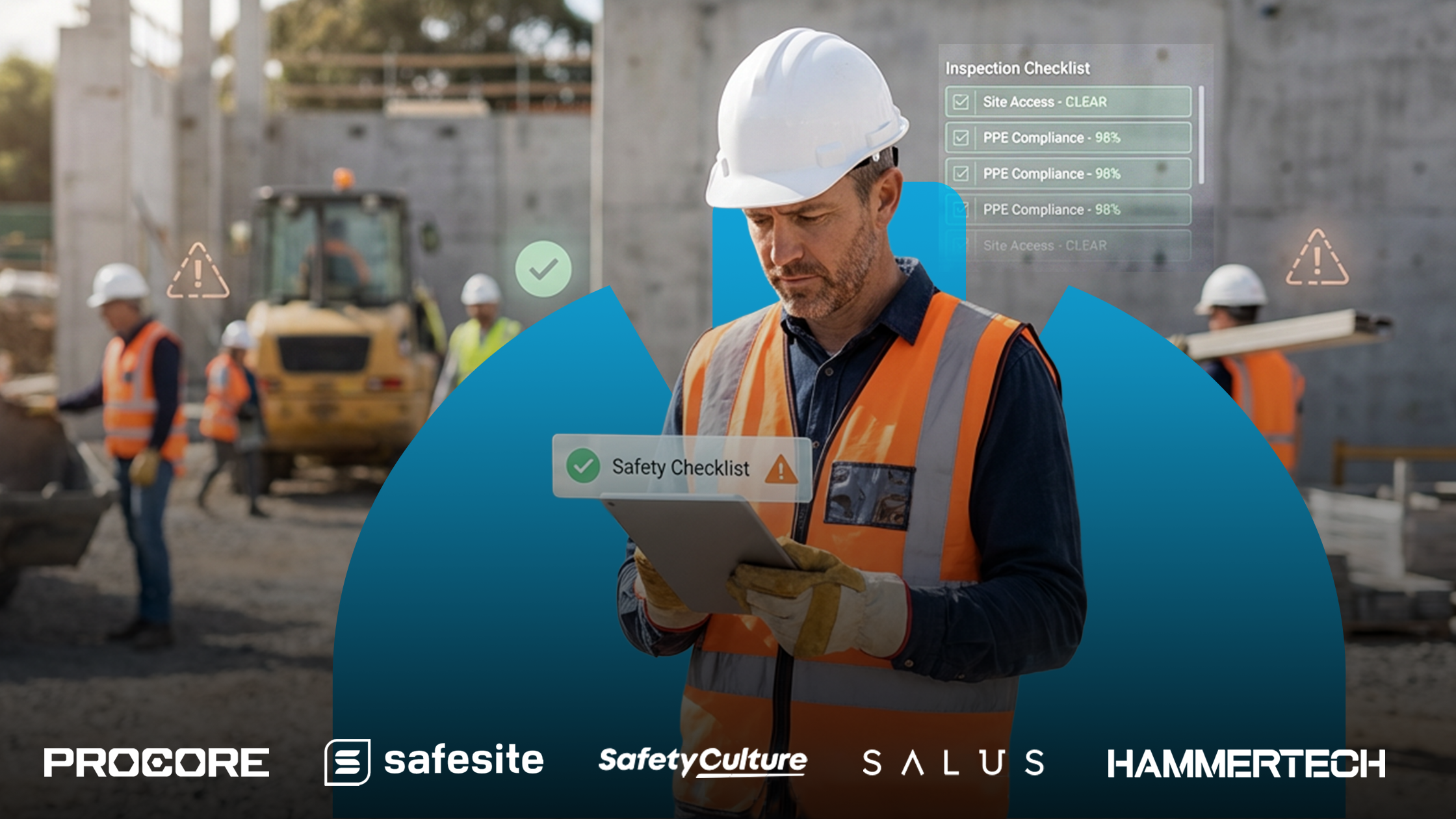
Keeping workers safe on a construction site takes more than hard hats and harnesses. It takes good planning, clear communication, and the right digital tools. Safety management software helps teams track hazards, inspections, and incidents in real time so everyone can focus on getting the job done safely. From small contractors to large builders, more companies are turning to software like Safesite, SiteDocs, Procore, and Salus to improve safety and stay compliant. This guide highlights the best safety management software for job sites and explains what makes each one stand out.
1. Safesite
| Pros | Cons |
| – Free version available – Strong mobile app for field teams – Real-time hazard and inspection tracking | – Limited customization in the free plan – Reporting features may feel basic for large enterprises |
Key features
- Digital inspections and audits
- Safety observations and corrective actions
- Analytics dashboard
Safesite is built for field crews who need quick, reliable safety tools. It helps supervisors complete inspections, log safety observations, and assign corrective actions right from their phones. The mobile app is simple to use, and users on G2 often praise how easy it is to capture hazards in real time and keep the team involved in daily safety checks.
While the free version covers most basic needs, some users say the reporting options are limited if you’re running a large company or managing multiple job sites. Safesite works well for contractors and safety leads who want an easy, affordable way to stay on top of safety without interrupting the day’s work.
2. Procore Safety Module
| Pros | Cons |
| – Integrates seamlessly with Procore’s construction suite – Robust reporting and analytics – Excellent for large projects and multi-site operations | – Costly for smaller contractors – Steeper learning curve for new users |
Key features
- Incident and inspection tracking
- Custom safety workflows
- OSHA compliance documentation
The Procore Safety Module is part of Procore’s powerful all-in-one construction management platform. It allows teams to log inspections, record incidents, and create safety reports directly from their project dashboards. Many contractors appreciate how it ties together safety, quality, and scheduling tools, cutting down on the need for separate apps.
The tradeoff is cost and complexity. Procore is one of the more expensive options on the market, and new users often need some training to get comfortable with its full set of features. For general contractors and enterprise builders already using Procore, this module helps strengthen safety oversight across multiple job sites.
3. Salus
| Pros | Cons |
| – Intuitive mobile app – Customizable forms and workflows – Great customer support | – Occasional sync issues offline – Reporting tools could be more advanced |
Key features
- Digital forms and permits
- Real-time safety data dashboards
- Equipment and document tracking
Salus, a Canadian safety management tool made for construction teams, helps replace piles of paper with digital forms and inspections. Crews can complete toolbox talks, track permits, and manage reports all from one simple app. Users often mention that the layout is easy to navigate and that the customer support team is quick to lend a hand when needed.
Like most mobile apps, Salus can run into the occasional syncing issue in areas with poor connectivity, and some users wish the reporting tools were a bit deeper. It’s a great pick for mid-sized and larger contractors who want to simplify safety tracking and modernize their processes.
4. SiteDocs
| Pros | Cons |
| – Excellent mobile usability – Automatic cloud backup – Real-time analytics and dashboards | – Limited integrations – Can be expensive for smaller firms |
Key features
- Mobile safety forms
- Worker certifications and signatures
- Custom alerts and reminders
SiteDocs helps simplify safety and compliance by keeping all your documentation in one place. Safety managers can track forms, upload certifications, and manage training records digitally to stay compliant with OSHA or COR standards. Users on Capterra often mention how convenient it is to access documents in real time, which reduces paperwork and delays during audits.
The main drawbacks are its higher price point and limited software integrations, which can make it less ideal for smaller companies. Still, SiteDocs is a great fit for safety directors and project managers who want audit-ready documentation and cloud-based visibility across multiple job sites.
5. SafetyCulture (iAuditor)
| Pros | Cons |
| – Extremely flexible inspection templates – AI-assisted analytics – Strong cross-industry use | – Requires setup to tailor for construction – Some advanced features are locked behind premium plans |
Key features
- Custom safety checklists
- Photo and video documentation
- Automated reporting and analytics
SafetyCulture (formerly iAuditor) is a flexible app for inspections and safety checks. It gives teams access to thousands of templates and lets them design their own forms from scratch. The platform can even connect to smart sensors to monitor job-site conditions in real time, helping teams spot hazards early. Users on Reddit often say it’s easy to use and works well offline, which is handy for crews in remote areas.
That said, some setup is needed to tailor the app specifically for construction, and the more advanced analytics tools are only available with paid plans. Overall, SafetyCulture is ideal for safety managers who want a customizable, scalable solution that can grow with their team or be used across different industries.
6. HammerTech
| Pros | Cons |
| – Built for construction environments – Strong worker onboarding and permit management – Centralized safety data | – Interface feels complex at first – Premium pricing for smaller contractors |
Key features
- Worker onboarding and credentialing
- Permit-to-work management
- Safety analytics
HammerTech is built specifically for construction safety and compliance. It helps teams manage everything from worker onboarding to permits and safety observations in one connected system. The software makes it easier for safety managers to track certifications, manage incidents, and share safety data across different subcontractors. Users often mention that it reduces paperwork and consolidates all job site safety information into one place.
While HammerTech offers powerful features, its detailed interface can take some time to get used to. It’s also priced higher than some smaller competitors. For large projects with many crews, HammerTech helps keep safety information in one place and makes it easier to see what’s happening on each site.
7. EHS Insight
| Pros | Cons |
| – Broad EHS feature set – Strong incident and audit tools – Good scalability | – Interface can feel outdated – Setup may require IT assistance |
Key features
- Incident tracking and investigation
- Corrective action management
- Regulatory compliance
EHS Insight brings safety, environmental, and compliance tools together into a single, easy-to-manage platform. It helps companies track incidents, monitor audits, and manage corrective actions to stay in line with OSHA and other safety standards. Reviewers on G2 often note that its audit and investigation features are among the strongest available, making it a reliable choice for complex operations.
Although the interface looks a bit dated compared to newer platforms, the software’s performance and flexibility make up for it. Because setup can take some technical know-how, it’s best suited for manufacturing and large-scale construction firms that need a complete, customizable EHS system with room to grow.
What to consider before choosing safety management software for your job site
Before choosing a safety management platform, consider what your team really needs. The best software for your job site depends on the size of your crew, your budget, and how you plan to use it day to day. Here are a few things to keep in mind:
- Define your primary use case: Are you mainly tracking incidents, managing inspections, or staying compliant with OSHA and local regulations? Knowing your primary goals will help you narrow down your options.
- Assess your safety and regulatory requirements: Each job site has different standards. Make sure the software supports your company’s safety policies, certifications, and reporting needs.
- Check for offline capabilities and mobile functionality: Not every work site has strong internet access. Look for software that still works when your team is offline, especially if you operate in remote areas.
- Consider integrations with other software: If your company already uses project management tools like Procore, make sure your safety management software can connect with them. Integrations save time and keep your data consistent.
- Evaluate pricing and scalability: A system that’s perfect for a small crew may not work for a growing company. Compare plans and make sure the pricing fits your team size and long-term goals.
- Read real user reviews: Reviews on platforms like G2 and Capterra can tell you a lot about reliability, customer support, and how well the software performs in real job site conditions.
Want to learn more about the tools and tech that keep crews safe on the job? Check out these helpful guides from Under the Hard Hat:
- Construction Safety Software
- How to Become a Construction Safety Officer
- Prevent Construction Accidents and Improve Safety with Job Hazard Analysis
- Safety Crisis in U.S. Manufacturing
- Lumber Software with Lou Perez
Subscribe to our newsletter for more reviews, safety insights, and tech tools to help your team work smarter and safer every day.