
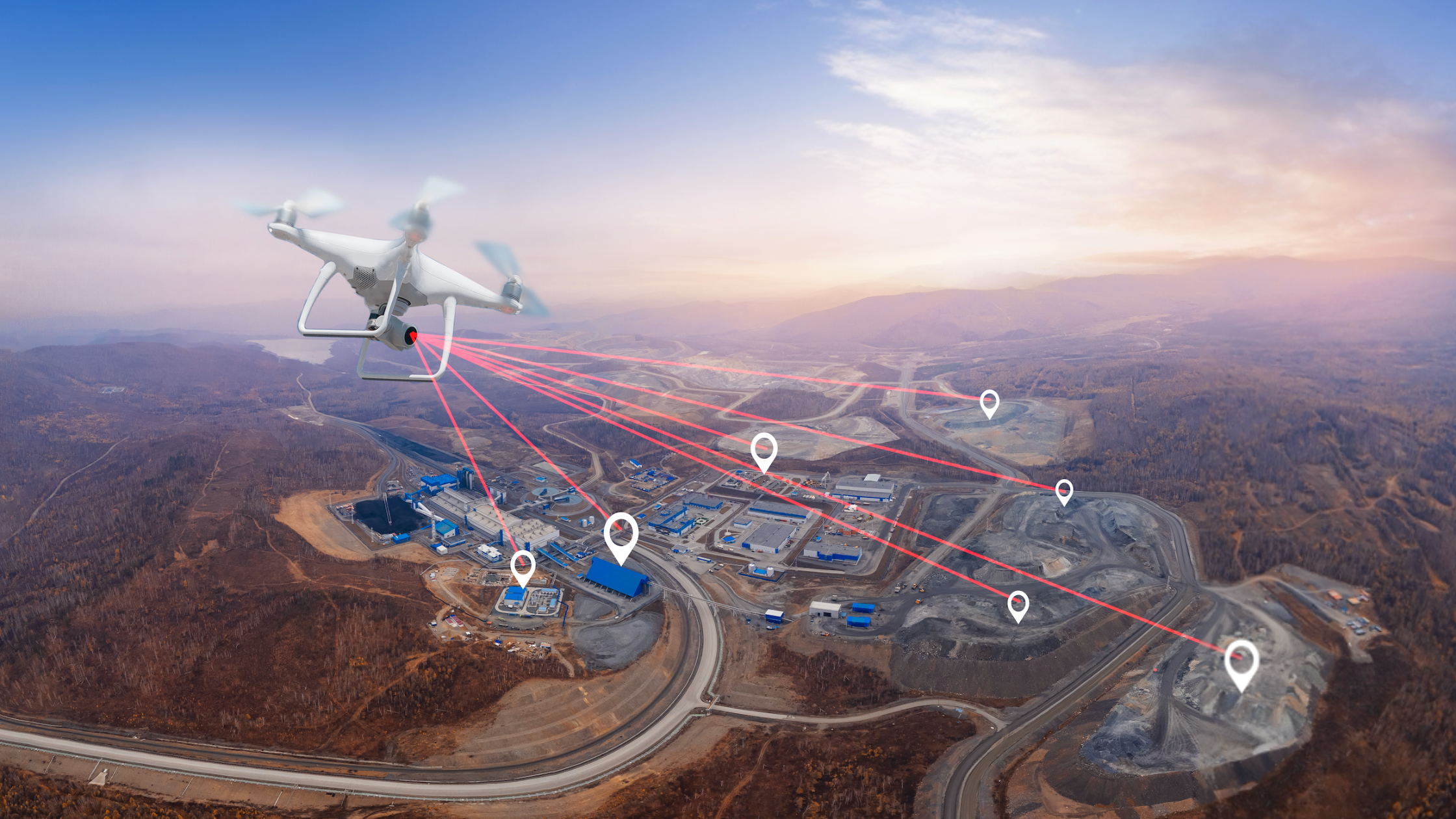
Construction sites are changing fast. Field technology tools are moving beyond gimmicks and becoming everyday parts of how crews lay out, inspect, and coordinate work. Think of drones surveying earthwork, wearables tracking worker conditions, and mobile apps linking design to the crew. This article walks through how field technology is reshaping jobsites, the main tools, how you benefit, how to adopt them, and what to watch out for. If you’re working in architecture, engineering, or construction, this is where you’ll want to focus to keep your site competitive and connected.
Quick look
- Field technology like drones, scanners, and mobile apps is now standard on many U.S. jobsites, helping crews collect data and communicate instantly.
- The 2025 ABC Tech Report highlights rapid growth in drone surveys, robotic layout, and wearable safety sensors across contractors.
- Tools such as 3D laser scanning, AR visualization, and IoT monitoring are reducing rework, improving safety, and speeding up project delivery.
- Successful adoption depends on pilot programs, crew training, and strong data integration between field tools and office systems.
- Contractors using connected field workflows report better productivity, lower material waste, and fewer safety incidents on site.
The shift toward digital job sites
The recent Associated Builders and Contractors (ABC) “Field Tech Report” illustrates the degree to which U.S. contractors are incorporating field-based technologies. The 2025 edition emphasises that tools once used in the office, such as modelling and scheduling, are now making their way onto the jobsite. For example, drone docks that automatically fly, capture aerial data of a hillside earth-work site, and deliver real-time quantity metrics are now in use. Robotic layout printers, autonomous marking robots, and augmented reality visual tools also appear in contractor case studies.
This shift means site teams are no longer passive executors of plans—they’re active data-collectors and decision-makers. Field data feeds back into the office faster. Ultimately, this means fewer surprises, faster reaction to issues, and a tighter connection between design, construction, and operations.
The core technologies shaping field work
Drones and imaging
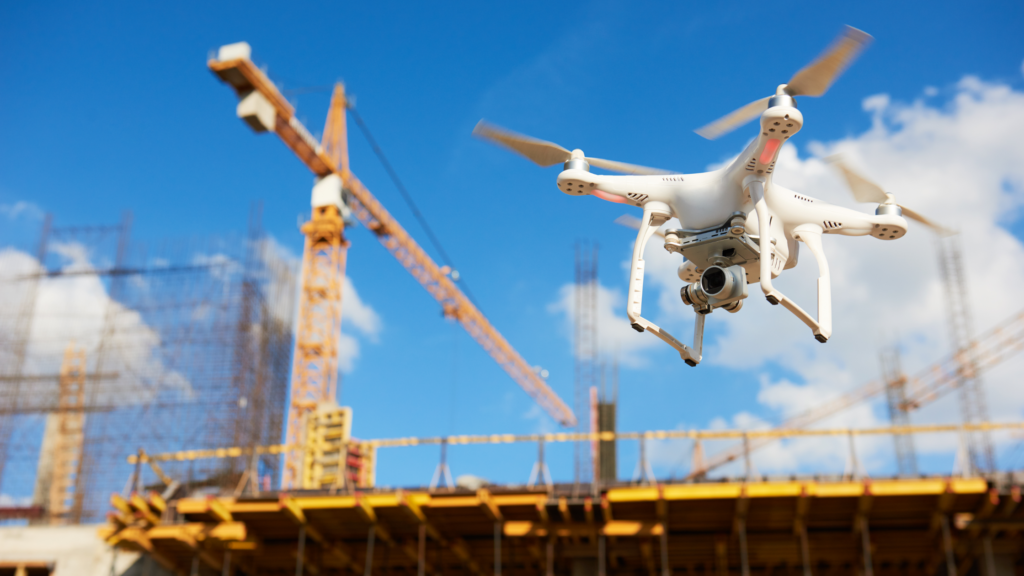
On large sites, drones now capture more frequent aerial imagery, thermal scans, and photogrammetry. Because drones let you fly the site, you can capture data and calculate cut/fill or progress volumes in a few hours instead of days. A report by ABC mentions daily drone flights on a hillside stabilization job to document conditions, resolve disputes, and protect profit margins. Drones also serve safety inspections—roof edges, tall façades, crane setups—without forcing crews into high-risk positions. High-resolution imaging helps identify misalignment, missing rebar cages, or slab flatness issues early.
Precise site imagery also means progress tracking becomes visual and quantifiable: crews and managers see photographic, 3D, or thermal records tied to dates and tasks rather than relying solely on verbal updates or manual entries. For the reader working on a jobsite, this matters because it reduces the time spent walking, re-measuring, and interpreting ambiguous plans, and provides objective evidence when claims or change orders surface.
3D laser scanning and robotic layout
Technology such as 3D laser scanners and robotic total stations is bridging the gap between design intent and what’s physically on-site. According to BuildingPoint Canada, a 3D laser scanner can generate a composite point cloud of an existing space, which office teams then share with field layout crews. Robotic layout tools enable crews to stake out hundreds of points per day (300-400) versus manual methods (30-40) with two people.
For structures where tolerances matter—pre-cast erection, MEP prefabs, modular components—having exact as-built dimensions and coordinating them with BIM means fewer on-site surprises. For a contractor reader, that means less rework, fewer delays, and better confidence in hitting schedule and budget. Moreover, when you link scans back to your BIM model, you can detect clashes, validate installation, and produce QA/QC reports with traceability. That kind of quality control used to be labour-intensive; now it’s digital and faster.
Wearables and IoT sensors
The jobsite has always been a physically risky place—falls, struck-by accidents, and caught-betweens remain major hazards. Field technology offers new layers of safety monitoring. For example, wearable devices (vests, helmets) with sensors can record worker movement, detect fatigue risks, or high-heat exposure. Additionally, IoT sensors mounted on heavy equipment or in high-risk zones can track vibration, operating hours, location, or whether required PPE is worn.
For a site manager, this means you gain visibility into latent risks—not just what you see during your walk-through, but what’s happening between inspections. You can schedule preventive maintenance, detect unsafe conditions before injury or downtime, and collect data that supports your safety program and audits.
Mobile field apps and BIM integration
Mobile field applications (on tablets, rugged laptops, or phones) let crews access the latest drawings, track items on punch-lists, log project notes, and capture photos, all while standing on the slab or beam. When those apps tie into the office BIM or project management system, the field becomes part of the project network rather than an isolated node.
What this means in practice: the electrical crew arrives, opens the model on a tablet, sees the design overlay of conduit runs, notes a conflict, captures a photo tied to the project log, and the office updates the model and issues a revision—all without paper plans flying around. For readers working with the design/construction interface, that means your site has fewer disconnects between what was drawn and what’s built.
Augmented reality tools
Augmented reality (AR) tools add a visual overlay of design information on the real environment through glasses or tablets. They allow field teams to see where a pipe should go, verify that ductwork aligns with the model, and flag clashes before the physical installation proceeds. Industry commentary indicates that AR will be increasingly used for training, site inspections, and clash detection.
In practical terms, rather than discovering two systems collide during startup, the crew using AR sees the conflict ahead of time, raises a submittal or revision request, and avoids the cost of dismantling or modifying an installation. For a construction audience, this matters because the cost of rework in the field (labour, materials, delays) is considerable, and AR is a tool to reduce it.
The benefits of a connected field workflow
Field technology is not just about gadgets—it supports distinct benefits that improve how a jobsite runs.
- Improved productivity. When layout crews use robotic total stations or mobile apps instead of manual methods, the time spent on re-measuring, chasing drawings, or fixing mistakes drops. Capturing site data digitally means fewer walk-backs, fewer RFIs, and fewer work stoppages.
- Data-driven decision-making. With real-time feedback—via drones, scanners, sensors, or apps—superintendents and project managers spot issues earlier (a drift in slab form, a missing embed, an overheating machine). That means you act sooner, not after the day’s end.
- Stronger safety outcomes. Monitoring equipment uptime, worker condition, and jobsite exposures means you address hazards proactively. A crew tracked for heat exposure or fatigue gives you leading indicators, not just lagging ones.
- Sustainability. Digital layout and monitoring means fewer physical drawings, less material waste, fewer mobilisation errors, and better material tracking. Fieldwire emphasises that laser scanning and mobile apps help reduce waste and optimise materials.
These benefits combine to give firms an operational edge: fewer surprises, better schedule adherence, improved quality, better safety, and improved margins.
How to adopt field technology successfully

Here’s how to roll out field technology without overwhelming your team.
Step 1: Assess your current field workflows and pain points. Identify the biggest losses or risks—layout rework, delayed design updates, frequent site errors, and safety incidents. Without clarity on pain points, you’ll adopt tech but not fix what matters.
Step 2: Pilot key technologies in a specific area. Choose one tool (e.g., drone progress monitoring or 3D laser scanning) on one project or phase. Use it, measure it, and refine the process before scaling.
Step 3: Ensure connectivity and data integration. Field tools only pay off if data flows both ways—field ↔ office. Link drones, scanners, and apps to BIM, design data, and project systems. BuildingPoint explains how connecting workflows improves productivity by sharing point clouds and coordinating field/office.
Step 4: Train crews, establish digital processes, and plan for change management. Crew buy-in matters. Set a tech calendar, define roles, certify users, and create field checklists for tool use. Make this part of the workflow—not an add-on.
Step 5: Measure outcomes. Track metrics like rework rate, layout time, safety incidents, and material waste. Compare pilot versus non-pilot. Use data to refine your approach.
Step 6: Scale across projects. Once you’ve demonstrated value, embed the tech into your standard project operations. Make it part of your pre-construction toolbox, job-kickoff checklist, and QC process.
Common challenges with field technology and how to avoid them
- Technology fatigue/wrong tool for the job. Buying tech just because it’s “cool” creates more burden than value. Focus on the tool that solves a real problem.
- Connectivity and data silos. If field data stays in the field and never links into the office, you lose visibility. Make sure your tech integrates, or you’ll just be adding another disconnected system.
- Skill gaps and training costs. Tech tools require user adoption. If crews aren’t confident, you’ll see under-use or misuse. Plan training as part of the budget and rollout—not as an afterthought.
- Integration costs/ROI uncertainty. Some tech carries a significant upfront investment. Build the business case early—quantify the potential reductions in rework, delays, and safety incidents. Use pilot data to support broader buy-in.
- Change resistance from site crews. If field teams see tech as adding paperwork or slowing them down, you’ll hit resistance. Involve the field crews early and show how it helps their daily work—not just how it helps management.
Final thoughts
Field technology is changing how construction work happens on-site—making jobsites more connected, visible, and efficient. Drones, scanners, wearables, mobile apps, and AR are no longer experimental; they are becoming practical tools for contractors, engineers, and architects. Firms that take the time to assess workflows, pilot technologies, train crews, and embed data loops will gain meaningful advantages in schedule, cost, quality, and safety.
If you want to keep reading about how construction, architecture, and engineering firms are using field tech (and other topics in our trade), subscribe to our newsletter at Under the Hard Hat to stay ahead.