
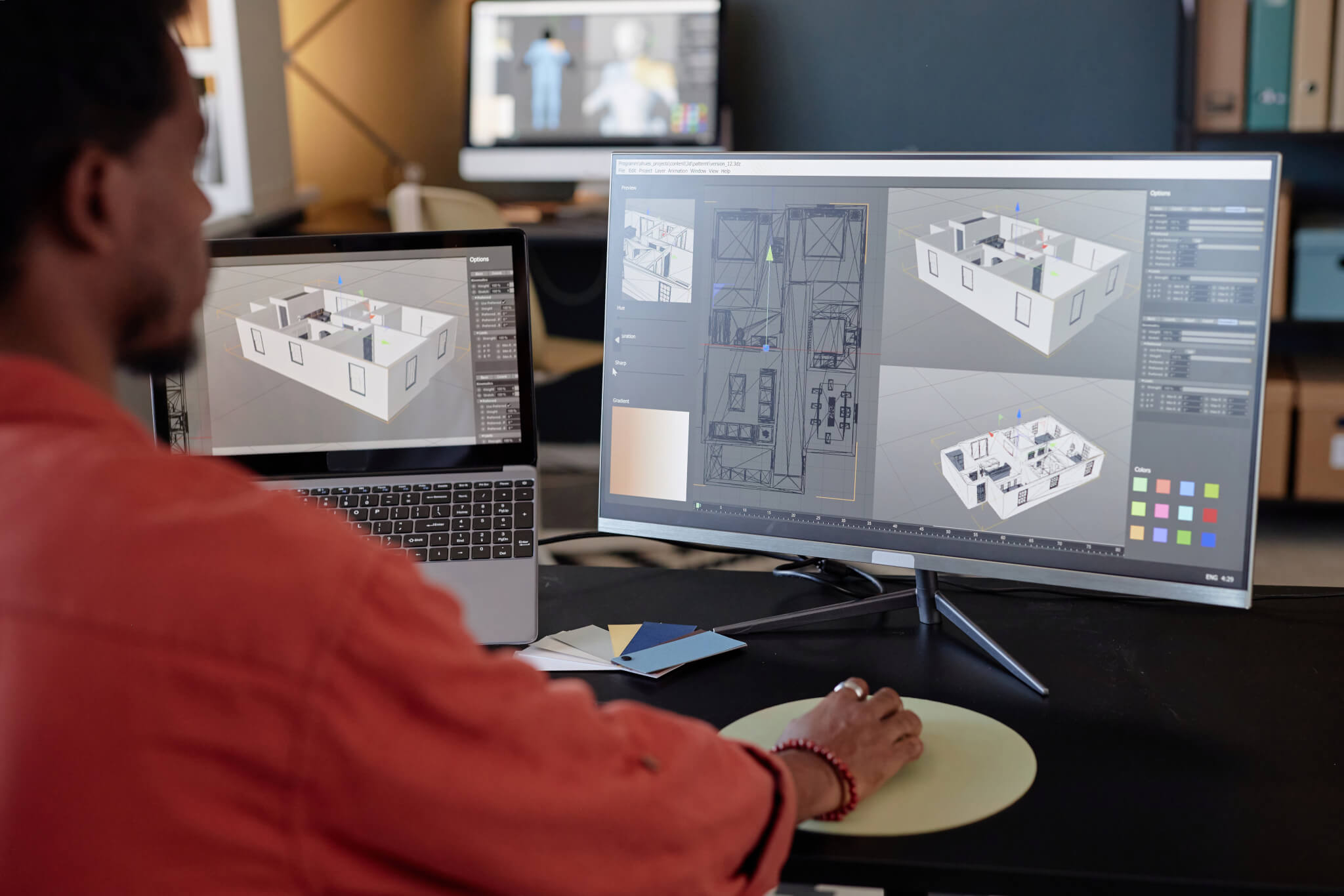
If you’ve been wondering “what is clash detection in construction,” here’s the simple answer: it’s a way to catch problems digitally before they turn into expensive field issues. Clash detection compares building systems within a BIM model to identify instances where components physically, functionally, or even in terms of scheduling interfere with each other. That could mean a duct running through structural steel, a pipe blocking electrical access, or crews being scheduled to work in the same area at the same time. The purpose is straightforward—find the conflict before materials arrive, crews start work, or rework slows the project down.
What is clash detection?
Clash detection is a digital coordination process used in construction and design to identify conflicts between building systems before construction begins. It’s most commonly used inside BIM (Building Information Modeling) workflows, where architects, engineers, and contractors combine their models into a shared digital environment. Once those systems are layered together, the software checks whether parts of the building interfere with one another.
The question that the clash detection is trying to answer is simple:
“Will these systems physically or functionally clash before we build them?”
It is fairly clear-cut on paper, or at least it should be. The problem is, the average modern building has a multitude of systems all vying for the same space: the steel framework, plumbing, heating and cooling systems, electrical conduits, cable trays, fire safety systems, ceilings, equipment clearances, access panels, elevators, and the framing itself. Each one of these systems looks perfectly fine on its own drawing, but once you put them all together into a 3D model, conflicts start popping up almost instantly.
That’s where clash detection comes in and proves its worth. Rather than finding the problem on-site after materials have already been manufactured or installed—which can be costly—the team can spot it earlier, when changes are still relatively cheap to make.
That distinction is a big deal from a financial standpoint. Moving a duct in a 3D model is basically free. Making the same change after steel, ceilings, and piping have all been installed can cost thousands of dollars and put the rest of the trade unions months behind schedule.
Types of clashes
Not all conflicts are created equal—some are obvious physical battles, while others are much more subtle and hide in plain sight, related to spacing, access, or scheduling.
Hard clash
A hard clash occurs when two objects overlap in the same space. This is probably the first kind of clash that springs to mind.
Examples include things like:
- A pipe going right through a beam
- Ductwork coming in contact with structural steel
- Electrical conduit running through some plumbing
These kinds of direct clashes stop work in its tracks—you can’t even start installing until someone figures out how to sort the mess out. Hard clashes are a big deal because they usually bring everything to a halt on-site, the minute they’re discovered.
Soft clash
Soft clashes are less obvious but no less important. They creep up when a system might technically fit but runs afoul of clearance requirements, maintenance access, code spacing, or operational needs.
A common example would be:
- A valve is installed too close to another system to service properly
- Equipment doors unable to fully open
- Insufficient clearance around electrical panels
Nothing is physically touching, but the layout still creates problems. Soft clashes are easy to miss in traditional drawings, which is one reason BIM coordination has become more common on larger projects.
Workflow or 4D clash
Workflow clashes relate to sequencing and scheduling rather than physical overlap.
This type of clash asks:
- Are multiple trades trying to work in the same area simultaneously?
- Will one installation block access for another crew later?
- Can the construction schedule work in tight spaces?
A project may technically work in the model but still become chaotic in the field if sequencing is poor. This is why clash detection increasingly overlaps with construction planning, not only geometry.
Why clash detection matters
Construction projects are already stressful with tight schedules, labor shortages, and budget constraints. Then there are the inevitable material delays that make things even more challenging, and rework that can add time to the clock. That’s where clash detection comes in to help.
The benefits usually show up in a few major areas:
- Fewer installation conflicts
- Less rework
- Better trade coordination
- Reduced labor waste
- Smoother scheduling
- Fewer RFIs and change orders
The biggest advantage is timing. Fixing problems before construction starts is relatively cheap. Fixing them after fabrication, delivery, or installation quickly becomes much more expensive. A single unresolved clash can affect multiple trades at once. If ductwork has to be moved after framing and piping are installed, the ripple effect spreads throughout the project.
That’s why clash detection matters so much on complex buildings where systems compete heavily for space. Hospitals, laboratories, airports, data centers, and high-rise towers all rely heavily on digital coordination because there’s very little room for improvisation once construction starts.
How clash detection works
The process typically starts with design models developed by different teams working independently. Architects, structural engineers, and the like each build their own models, which are then combined into a single shared system. The upshot is that all those models can be reviewed simultaneously rather than one at a time.
The workflow usually looks something like this:
- First, the models are uploaded and combined into a single plan.
- Next, rules are established regarding what constitutes a clash.
- The software then goes to work scanning for conflicts, which are reviewed and prioritized.
- Teams then go back and revise and update the systems and models accordingly.
- Last, the model is checked again.
This process repeats throughout design and construction as the project becomes more detailed. Several software platforms are commonly used for clash detection, but they each serve slightly different purposes.
Autodesk Revit
Revit is mainly used to create building models. Architects and engineers use it during design to build systems digitally and catch obvious conflicts early. It’s more focused on modeling than full-project coordination.
Autodesk Navisworks
Navisworks is one of the main tools used for large-scale clash detection. It combines models from multiple trades into one environment and runs detailed clash tests across the entire project. This is where many coordination meetings and clash reviews happen.
Trimble Connect
Trimble Connect is primarily about making collaboration and field access as smooth as possible. Teams can swap out models, drawings, and all project updates between the office and the site, so supervisors and subcontractors can review what’s going on and offer input on problems that need fixing without requiring any special BIM know-how.
Revizto
Revizto makes it easy to keep track of issues. Clashes can be flagged, commented on, and tracked right inside the model, helping teams to keep a handle on all the problems that can occur.
Each of these platforms tackles coordination in its own way, but they’re all trying to get to the same result:
- Revit starts by building the 3D model
- Navisworks uses its collision detection to find all the clashes that could cause issues
- Trimble Connect makes collaboration and data sharing between the office and the site a breeze
- Revizto tracks down and manages the little problems that arise
The goal stays the same across all of them: find problems early enough to fix them before they affect construction.
Who uses clash detection?
Clash detection affects more than just BIM managers.
The process is heavily used by:
- Architects
- Structural engineers
- Mechanical engineers
- Electrical engineers
- Plumbing designers
- MEP contractors
- General contractors
- VDC teams
- Project managers
MEP contractors tend to rely heavily on it because mechanical, electrical, and plumbing systems are constantly vying for ceiling and riser space in big buildings. When things are better coordinated, there are fewer surprises once the installation is underway.
Clash detection vs coordination
People often use these terms interchangeably, but they are not the same thing.
| Category | Clash detection | Coordination |
| Process | Identifies conflicts | Resolves conflicts |
| Primary purpose | Find problems | Create workable solutions |
| Main goal | Detect interference | Align systems and teams |
| Key question it answers | “What is colliding?” | “How do we fix it?” |
| When it happens | During model review | During planning and redesign |
| Who’s involved | BIM/VDC teams, designers | Entire project team |
| Outcome | Clash reports | Coordinated installation plans |
A good way to simplify it:
- Clash detection finds the problem
- Coordination solves the problem
That difference is important to note because software alone does not fix projects—people still need to make decisions, communicate changes, and agree on workable solutions.
Limitations of clash detection
Clash detection is useful, but it has limits. The software only works as well as the models being used. If models are incomplete, inaccurate, outdated, or missing information, the results become less reliable.
It also doesn’t replace communication. A project can technically be “clash-free” while still having sequencing issues, procurement problems, labor shortages, or constructability concerns.
Another issue is volume. Large projects can generate thousands of clashes. Many are minor. Some are duplicates. Others may not matter at all. That creates another layer of work—figuring out which clashes actually matter.
Common mistakes with clash detection
Some of the most common mistakes made when using clash detection software include:
- Treating clash detection as someone else’s job: Coordination works best when trades participate early, rather than waiting for BIM teams to solve everything independently.
- Poor model accuracy: Incomplete or low-detail models create unreliable results. Bad input usually leads to bad coordination.
- Waiting too late in the design process: Clash detection becomes less useful once major systems are already finalized or fabricated.
- Ignoring soft clashes: Those clearance and maintenance access issues might not seem like a big deal when you’re looking at a model on screen, but they can turn into major headaches down the line for the site crew trying to get things done.
- Focusing on quantity over severity: A project with 5,000 minor clashes may actually be in better shape than one with 20 major structural conflicts. Not every clash carries the same weight.
What clash detection actually changes on a project
Buildings continue to get denser, more complex, and less forgiving of coordination failures. A data center or hospital with complex mechanical, plumbing, structural, and fire safety systems has little room for error and improvisation once shovels hit the ground—and that’s exactly the environment where an unresolved and undetected clash will bring a project to a halt and send the entire schedule into a tailspin.
Clash detection doesn’t eliminate complexity; it gives teams a controlled environment to work through before costs and problems multiply. Moving a duct or wire in a model costs nothing. The same move after installation can cost thousands and lead to weeks of delays.
For contactors, the takeaway is simple: the earlier clash detection software enters the picture, the more useful it is. Late integration of clash detection systems catches problems; early coordination prevents them—and prevention is where the real cost savings are.
Construction coordination is becoming just as important as construction itself. For more breakdowns on BIM, project delivery, construction technology, and the systems shaping how buildings get built, subscribe to the Under the Hard Hat newsletter.