
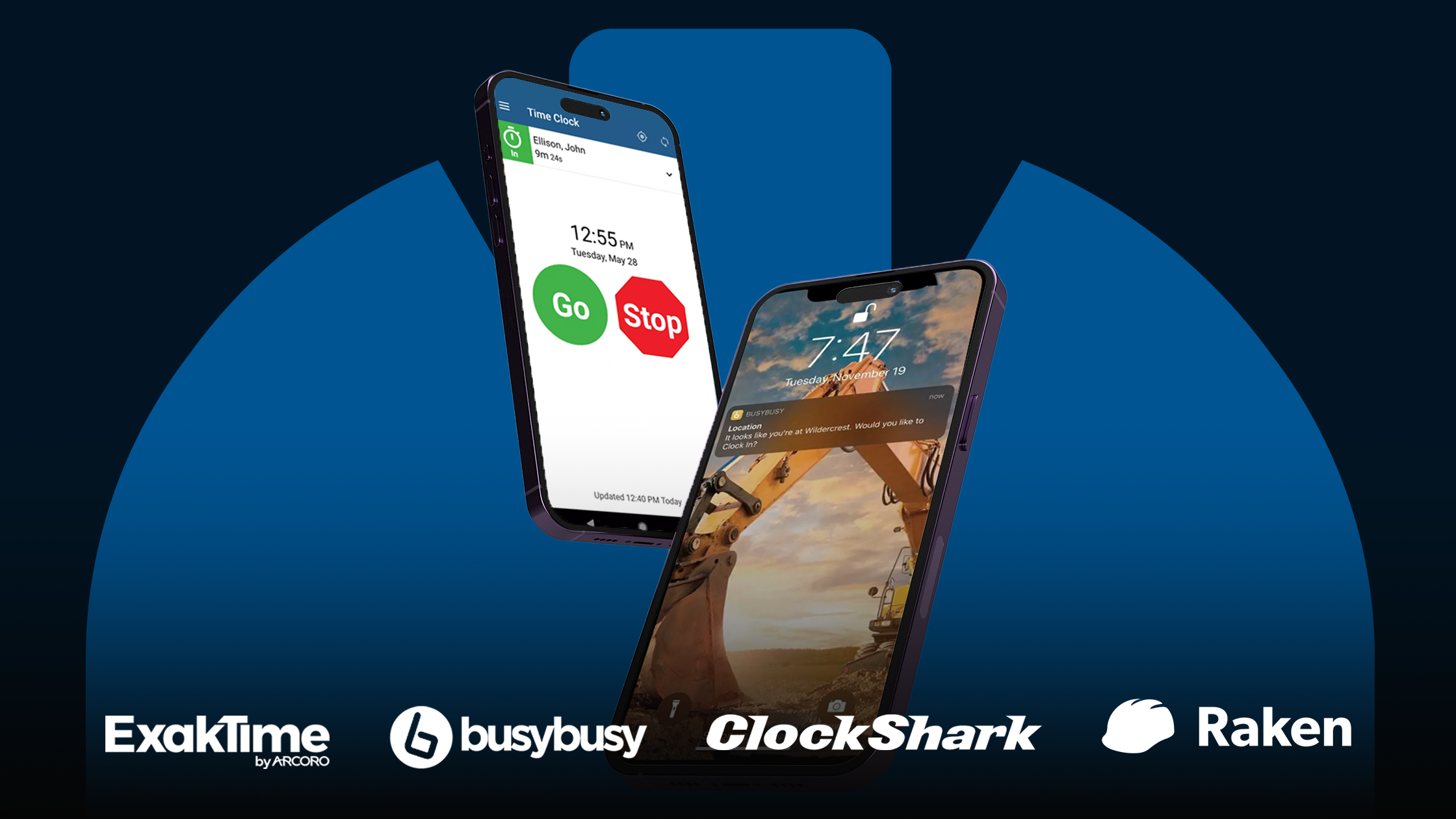
If you are a contractor or project leader, you know that keeping track of a mobile crew is like herding cats. This guide is built just for you, offering a curated look at the best construction time tracking software currently on the market. We will show you how these digital tools can help you eliminate paper punch cards, stop time theft, and ensure your payroll is perfect every single time.
What construction time tracking software does and why it matters
Construction time tracking software is a category of mobile-first tools that help you record exactly when and where your team is working. Instead of waiting until the end of the week for a coffee-stained paper timesheet, you get instant data sent straight to your office.
These tools solve some of the biggest headaches in the industry:
- GPS and geofencing: These apps use a smartphone’s location services to verify that a worker is actually at the jobsite before they can clock in.
- Job costing: You can see exactly how many hours your crew spent on specific tasks, like framing or electrical work, which helps you stay on budget.
- Payroll integration: Most of these programs talk directly to your accounting software, meaning you can finish payroll in minutes instead of hours.
Using the right software is the backbone of a profitable business. It prevents buddy punching, where one worker clocks in for another, and cuts down on manual data entry errors. When your data is clean, you can bid on future jobs with more confidence and protect your hard-earned profit margins.
How this affects your bottom line
The move from paper to digital protects your profit margins. Manual systems are prone to human error and leaky labor costs that can quietly sink a project.
- Stopping buddy punching: In a manual system, it is easy for one worker to sign in for a friend who is running late. Digital tools often use facial recognition or GPS stamps to ensure the right person is at the right place, saving companies significant amounts in unworked wages.
- Eliminating manual entry errors: When an office admin has to read messy handwriting and manually enter hours into a computer, mistakes are inevitable. On average, about 80% of paper timesheets require some form of correction, resulting in significant administrative waste.
- Boosting ROI: Switching to digital tracking can have a huge impact on your bottom line by reducing time theft and improving labor efficiency.
Top construction time tracking software for contractors and crews
Choosing the right tool depends on your team’s size and the specific reporting you need. Here are the best construction time tracking software options currently available.
1. ExakTime — Best for high-compliance jobsites and rugged environments
ExakTime is a veteran in the industry, offering a blend of modern mobile apps and specialized hardware for teams that need a central punch station.
Known for its “FaceFront” biometric photo ID, ExakTime ensures that the person clocking in is actually who they say they are. It features high-accuracy GPS and native support for English, Spanish, and French, making it ideal for diverse crews.
- Pros: Outstanding offline mode for remote sites and powerful compliance tools for certified payroll.
- Cons: The interface can feel a bit dated compared to newer apps, and pricing is often on the higher end for small teams.
2. busybusy — Best for simple, mobile-first crews who need speed
The busybusy app is designed for speed. It allows a supervisor to clock in an entire crew with a single tap. It also includes unlimited photo storage, allowing workers to attach site progress photos directly to their daily timecards.
- Pros: Very easy for field workers to learn; excellent visual progress tracking with GPS-stamped photos.
- Cons: Lacks some of the more advanced enterprise features for HR or deep equipment maintenance logs.
3. ClockShark — Best for specialty contractors and field service teams
ClockShark is built for trades like plumbing, electrical, and HVAC, where teams move between multiple locations in a single day.
It features a drag-and-drop scheduler that makes it easy to assign jobs to specific workers. The app includes a “CrewClock” feature that allows foremen to manage everyone’s time from one device.
- Pros: Strong job costing controls and a very intuitive mobile interface that field crews actually like using.
- Cons: Per-user pricing can add up quickly if you have a very large workforce.
4. QuickBooks Time — Best for seamless accounting integration
Formerly known as TSheets, QuickBooks Time is the most popular choice for firms already using QuickBooks for bookkeeping.
Because it is owned by Intuit, the data flows perfectly into your accounting system with no manual export required. It features geofencing alerts that remind workers to clock in as soon as they drive onto a jobsite.
- Pros: No learning curve if you already know QuickBooks; excellent “Who’s Working” live map for managers.
- Cons: Advanced features are locked behind higher-priced tiers, and it can be expensive for users who don’t need the full QuickBooks suite.
5. Raken — Best for combining time tracking with daily field reports
Raken focuses on documentation. It’s perfect for contractors who want their timecards included in a larger daily report.
Timecards are linked directly to daily logs, safety checklists, and site photos. It uses AI-powered photo ID to prevent buddy punching and offers a “Kiosk Mode” for a shared on-site tablet.
- Pros: Best-in-class risk management and professional PDF report generation.
- Cons: Might be overkill if you only need a simple timer (and don’t care about daily reporting).
6. WorkMax — Best for complex enterprise labor management
WorkMax is a heavy-duty platform designed for larger companies that need to scale their operations.
This is a modular system, meaning you can buy the time-tracking module or add-on modules for assets, forms, and digital stamps. It integrates with over 200 accounting and ERP solutions.
- Pros: Incredibly flexible and powerful for companies with complicated cost codes and massive crews.
- Cons: The setup process is much longer than simpler apps and requires more training for office staff.
7. Hubstaff — Best for geofencing and automated budget alerts
Hubstaff is ideal for owners who want to automate as much tracking as possible.
Its geofencing is highly accurate, often automating the clock-in process entirely when a worker crosses a site boundary. It also provides automated alerts when a job is reaching its labor budget.
- Pros: High-level automation saves managers time; excellent GPS breadcrumb trails for fleet tracking.
- Cons: Some field staff feel the constant GPS tracking is too invasive compared to punch-only apps.
8. Buddy Punch — Best for small teams looking for a budget-friendly option
If you need a simple, reliable digital punch clock without all the bells and whistles, Buddy Punch is a top contender.
It offers facial recognition and PIN-code entry to keep things honest. It’s very straightforward, making it perfect for crews that aren’t tech-savvy.
- Pros: Affordable and very easy to set up in just a few minutes.
- Cons: Lacks deep construction-specific features like equipment tracking or complex cost-code sub-levels.
How to choose the best construction time tracking software for your business
Picking a tool from a list is easy, but picking the right one for your company takes a little bit of thought. To get the best return on your investment, keep these three factors in mind.
Feature fit
Every construction business runs differently. You need to map the software’s capabilities to how your crew actually works. For example, if your foreman handles the paperwork for ten people, you need a crew clock-in feature. If your workers travel solo to different service calls, individual access with high-accuracy GPS is more important. Don’t pay for extra features like equipment tracking if you only need to track labor hours.
Scalability and integrations
To see real ROI, the software must integrate with your accounting or ERP (Enterprise Resource Planning) systems. When your data flows automatically from the field to a program like Sage or QuickBooks, you eliminate the need for manual data entry. This keeps your books clean and ensures your job costing is always up to date as your business grows.
Ease of use and onboarding
In the construction world, if an app is clunky or hard to use, your field crew will just stop using it. This leads to bad data and a waste of money. Look for a tool with a clean interface and big buttons. The onboarding process should be short and simple. If your team can learn the app in five minutes during a tailgate talk, you are much more likely to see long-term success.
Bottom line
The best construction time tracking software for your company is the one that your crew will actually use. By matching the right features to your team’s tech-savviness and your office reporting needs, you can protect your margins and save hours of administrative work. Start with a free trial of one or two of the tools above to see which one feels right for your workflow.
Further reading
- Best safety management software for construction work
- The 10 best predictive maintenance software options on the market
- Best CRM software for general contractors and small construction businesses
- Smartbuild: The project management software for construction professionals
FAQs
Is this software suitable for small contractors?
Yes. Many of these tools have pay-per-user plans that are very affordable for small teams of three to five people. It helps small businesses look more professional and keeps their payroll organized from day one.
Do workers need their own smartphones to use it?
Most apps are designed for smartphones, but many also offer a “Kiosk Mode” or “Crew Clock” feature. This allows a whole team to clock in on a single tablet or the supervisor’s phone if they don’t have their own devices.
Does it work offline if there is no signal on the jobsite?
The best construction apps have a store-and-forward feature. This means they record the time and GPS location even without a signal, and then sync the data automatically once the worker returns to a Wi-Fi or cellular zone.
How does GPS tracking affect worker privacy?
Most construction-specific apps only track location when a worker is on the clock. Once they clock out, the tracking stops. It’s important to be transparent with your crew and explain that the GPS is there for safety and to verify job-site presence, not to follow them home.
Want to stay ahead of the curve? Subscribe to our newsletter today to get weekly updates on the latest AEC tech and jobsite safety tips delivered straight to your inbox.