Reality capture is becoming part of everyday construction workflows. Contractors are under pressure to move faster, reduce rework, and keep projects aligned with design. The challenge has always been visibility—knowing what’s actually happening on site versus what’s on paper. This is where reality capture steps in. This article breaks down how reality capture works, where it’s used in construction, and how reality capture software is helping teams make better decisions on the jobsite.
What is reality capture?
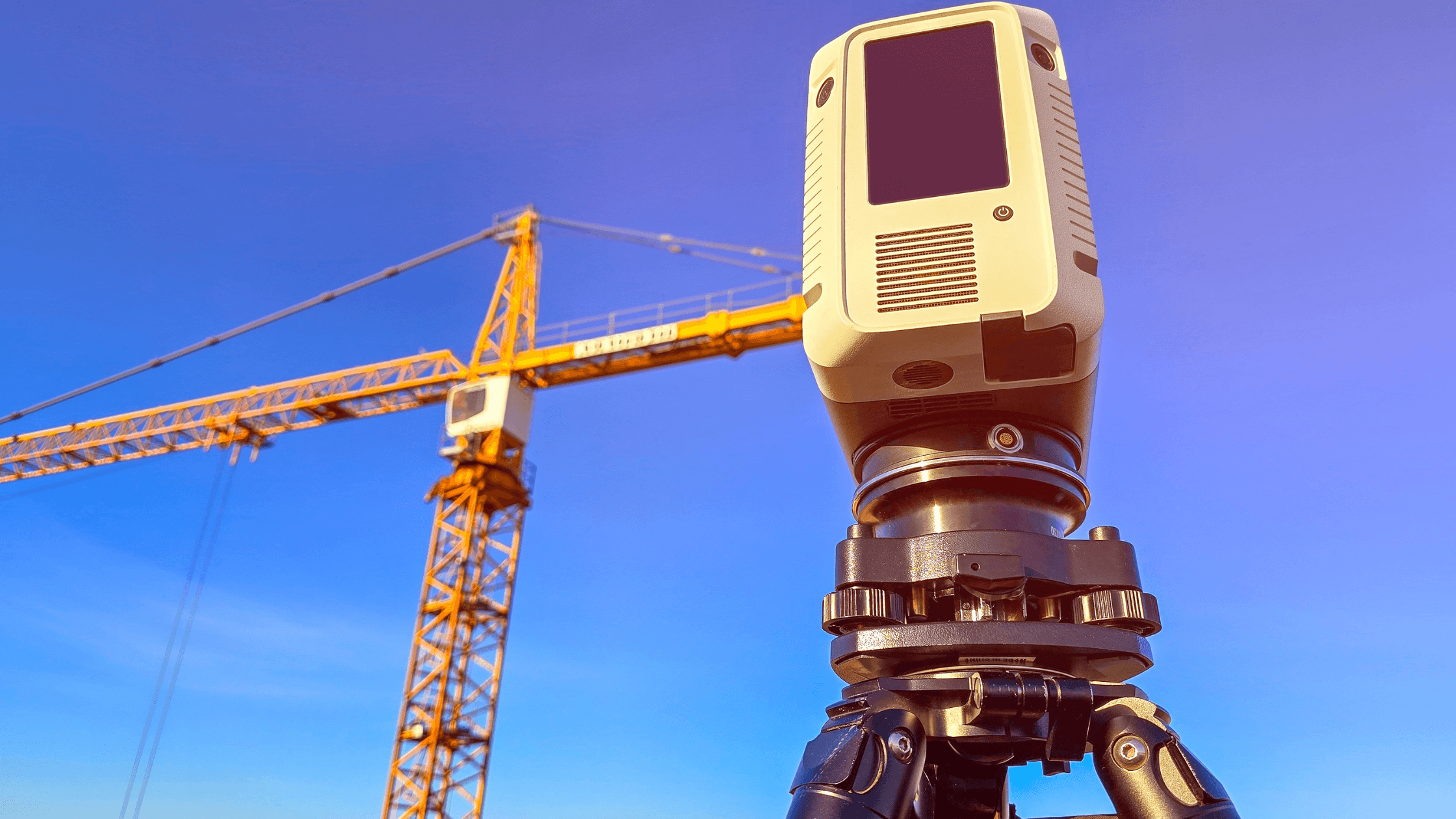
Reality capture is the process of collecting real-world site data—using tools such as laser scanners, drones, or cameras—and converting it into accurate digital models or representations.
In construction, this usually means capturing existing conditions and converting them into point clouds, 3D models, or high-resolution site visuals that reflect what’s actually happening on site. These outputs can then be used alongside design models, drawings, and project plans.
Instead of relying on manual measurements or outdated drawings, crews can work with current, data-rich representations of the jobsite. This is especially useful for projects where conditions change quickly, such as active builds, renovations, or large-scale infrastructure work.
Reality capture also supports the flow of information between teams. Surveyors, engineers, project managers, and field crews can all reference the same dataset, which helps reduce miscommunication and keeps everyone aligned. Over time, it creates a consistent digital record of the project—from early site conditions through to final as-builts—that teams can refer back to when needed.
How does it work?
At its core, reality capture is about turning what’s happening on a jobsite into usable digital information. The process can be broken down into 3 simple steps:
1. Data capture
This is where information is collected from the jobsite using tools like:
- LiDAR scanners
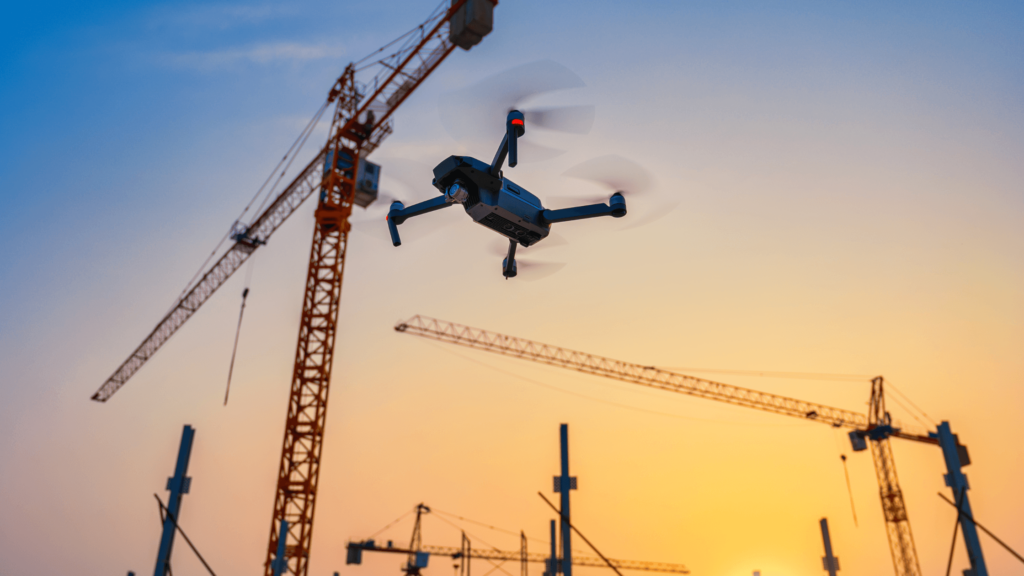
- Drones
- 360° cameras
- Mobile scanning devices
These tools collect millions of data points to create a detailed picture of the site, which in turn gives teams an accurate snapshot of the current state. That means they can document everything from the site layout to the structural elements without having to call in a crew for manual measurements.
2. Processing
Once teams have all this data in hand, it gets uploaded into reality capture software, where it gets turned into usable formats:
- Point clouds
- 3D models
- Orthomosaic maps
This step turns all the raw data into something the teams can work with. It tidies up the data and ensures it is accurate, so it’s ready for measurement, analysis, and sharing with other teams. Once the data is processed, it becomes a reliable reference point for use throughout the project.
3. Application
Once processed, the data is used across construction workflows:
- BIM modeling
- Progress tracking
- Site analysis
- Quality checks
This is where reality capture becomes part of the day-to-day decision-making. The teams can compare the real site to the plan, track progress, and verify the work as it’s done. This helps reduce mistakes, makes coordination easier, and keeps projects moving in the right direction.
Reality capture in construction: real-world use cases
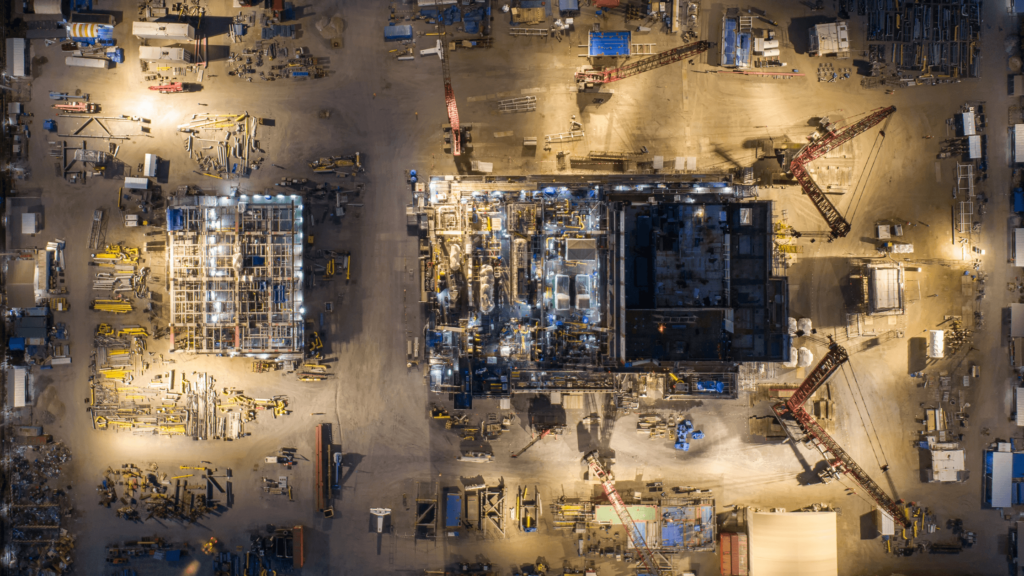
Reality capture construction workflows show up in the kind of situations crews deal with every day—tight spaces, changing site conditions, and coordination between multiple trades. It’s not just for design teams. It’s being used in the field to solve real problems.
Site surveys and preconstruction
Getting accurate site data early can make or break a project. Instead of sending survey crews out multiple times, teams can scan the site once and pull everything they need—topography, existing structures, access points—from that dataset. This is especially useful on large sites or remote locations where repeat visits slow things down.
As-built documentation
As-built drawings don’t always reflect what’s actually installed. Reality capture gives teams a way to document work as it happens—whether it’s underground utilities, foundation work, or steel erection. When it’s time for inspections, closeout, or future tie-ins, there’s a clear record of what’s in place.
Progress tracking and schedule control
Reality capture allows teams to compare current site conditions to the project schedule or BIM model. If one area is falling behind or getting ahead of sequence, it shows up quickly, making it easier to adjust before it affects other trades.
Clash detection in the field
Clashes don’t always show up until crews are already working. Reality capture helps identify issues between the installed work and the design, such as ductwork encroaching on structural elements or piping interfering with other systems. Instead of discovering conflicts late, teams can identify them early and fix them before work stacks up.
Renovation and retrofit projects
Existing buildings rarely match their original drawings. Walls shift, systems get added, and documentation gets outdated. Reality capture allows teams to scan the space and build accurate models before starting work. This reduces surprises when opening walls or tying into existing systems.
QA/QC and installation verification
Quality control checks often rely on manual measurements and visual inspections. Reality capture provides a way to verify work against design tolerances—checking slab elevations, column placement, or installed systems. This helps ensure work is done correctly before the next phase begins.
Earthworks and material tracking
On earthmoving projects, knowing how much material has been moved is critical for both planning and billing. Reality capture can be used to calculate stockpile volumes, track cut-and-fill progress, and confirm quantities. This reduces disputes and gives project teams a clearer view of production.
Trade coordination in tight work areas
When multiple trades are working in the same space—especially on commercial or industrial builds—coordination becomes a challenge. Reality capture provides a shared visual reference of what’s already installed, helping crews plan their work around existing conditions without relying on guesswork.
Methods of reality capture
Laser scanning
LiDAR (Light Detection and Ranging) scanners are among the most precise tools for capturing spatial data, making them a cornerstone of reality capture in construction. These devices emit thousands of laser beams per second, measuring distances to surfaces and creating a highly detailed 3D point cloud. The point cloud consists of millions of data Reality capture vs traditional site surveying
Here’s how reality capture compares to traditional surveying methods:
| Factor | Reality capture | Traditional surveying |
| Speed | Fast data collection | Slower, manual process |
| Accuracy | High, data-rich models | Depends on manual measurements |
| Cost | Higher upfront, lower long-term | Lower upfront, higher labor costs |
| Risk | Reduced site exposure | More time spent in the field |
Tool comparison
| Method | Best for | Pros | Cons |
| LiDAR | High-precision scans | Extremely accurate, detailed data | Higher cost, specialized training |
| Drones | Large site coverage | Fast, efficient for big areas | Weather-dependent, requires permits |
| Photogrammetry | Visual modeling | Lower cost, accessible | Less accurate than LiDAR |
Reality capture software
Reality capture software is what turns raw data into something usable on a construction project.
What reality capture software does
Reality capture software takes captured data and turns it into formats that are easy to work with, so teams can dig in to analyze it, share it with each other, and incorporate it into how things get done.
Key features
- Point cloud processing—taking in 3D data and making it usable
- 3D model generation—turning the data into something that can be looked at and understood
- Measurement tools—so you can start getting a better sense of the dimensions and proportions involved
- Cloud-based collaboration—see what you’re working with, no matter where you are
- Working with BIM platforms—this is where some of the useful integration happens
What it integrates with
Reality capture software often connects with:
- BIM tools
- Project management platforms
- CAD software
- Machine control systems
This allows captured data to flow directly into existing workflows.
Examples of reality capture software
- Autodesk ReCap – one of the most widely used platforms for processing point clouds and integrating them into BIM
- Procore – focused on connecting field data with project teams through visual documentation and seamless integrations
- Trimble – built for capturing precise field data and tying it into positioning and layout systems on site
- Leica – known for high-accuracy surveying solutions, especially in complex or extreme environments
Together, these platforms help bridge the gap between what’s happening in the field and what’s being planned in the office, turning real-world conditions into actionable project data.
The benefits of reality capture for construction
Reality capture fits into the kind of problems crews deal with every day—tight schedules, coordination issues between trades, and the constant need to verify what’s actually been built versus what’s on the drawings.
Faster site measurements
On most construction projects, layout checks and field measurements can consume hours of a crew’s time, especially when they’re trying to double-check elevations, slab sizes, or the locations of anchor bolts. But with reality capture, the site is scanned only once, and you can pull measurements from the 3D model as needed.
Improved as-built accuracy
As-builts often aren’t updated in time, and the field notes can be incomplete at best. But reality capture keeps a record of what has been installed, whether it’s underground utilities, where steel was placed, or the run of MEP systems. This updated visibility makes a big difference when it comes time to close out the project or figure out how to integrate with an existing system.
Reduced change orders
Change orders often occur when something in the field doesn’t align with the plans. With reality capture, teams can overlay scans onto the design model and catch issues before they become rework. It gives project managers a chance to deal with problems before they affect the schedule or budget.
Better communication between trades
Miscommunication between trades is a constant issue—especially when multiple crews are working in the same area. Instead of relying on RFIs, marked-up drawings, or site photos, teams can reference a shared model that shows actual conditions. Whether it’s steel, concrete, or mechanical, everyone is working from the same visual reference.
Faster inspections and verification
Waiting on inspections can cause delays, especially when work is quickly buried or covered. Reality capture allows teams to document work as it’s completed before it’s no longer visible. Inspectors and project teams can review the data to verify compliance without delaying the next phase.
Safer workflows in high-risk areas
When you’re out in the field trying to get measurements, you’re often put in precarious situations—scaling heights, working around dangerous obstacles, or dodging active equipment. Using reality capture gets the job done while minimizing risk. With the right tools and equipment, teams can capture all the necessary data without putting workers in high-risk situations and still end up with 100% accurate data.
The challenges of reality capture
Reality capture isn’t perfect, and it comes with a few challenges. Like any new technology on a jobsite, the value depends on how well it’s used and how well it fits into existing workflows.
Training and adoption
Teams need to learn how to use new tools and interpret data. For crews used to tape measures, total stations, or traditional surveying methods, switching to scanners or drones can take time. Without proper training, teams might collect data but not use it effectively.
Workflow integration
Adding reality capture to existing processes takes planning. Data needs to connect with BIM models, scheduling tools, and project management platforms. If it sits in a separate system, it can become another layer of work instead of a solution.
Data management
Reality capture produces large files—point clouds, high-resolution images, and 3D models that can quickly add up. Storing, organizing, and sharing that data across teams can be difficult without the right systems in place. On larger projects, managing multiple scans over time also becomes a challenge, especially when teams need to track changes and maintain version control.
Upfront costs
Equipment and software require investment, which can be a barrier for smaller contractors. Laser scanners, drones, and software subscriptions can add up quickly, especially for teams that are unsure how often they’ll use the technology.
Processing time
While capturing data in the field is fast, processing it can take time depending on the dataset size and the software used. Large scans may need hours to process before they’re usable, which can slow things down if teams are expecting immediate results.
How contractors are overcoming these challenges
Most of these challenges aren’t dealbreakers; they’re simply part of adopting any new tool on a jobsite. Contractors who are getting value from reality capture are finding ways to work it into their existing processes without overcomplicating things.
Start with one use case
Instead of trying to apply reality capture across an entire project, many teams start with one clear task—like site surveys, progress tracking, or documenting underground utilities before backfill. This makes it easier to train crews and show value early without overwhelming the team.
Use specialists where it makes sense
Not every company needs to own a scanner or drone right away. Some contractors bring in surveyors or third-party providers to handle scanning on larger or more complex jobs. This allows teams to use the data without taking on the full responsibility of managing the technology.
Integrate with tools already in use
Reality capture works best when it connects to systems crews are already using—BIM platforms, project management tools, or scheduling software. Instead of creating a separate workflow, successful teams plug captured data into their existing processes, making it part of daily decision-making.
Keep data organized from the start
Setting up a simple structure for naming, storing, and sharing files goes a long way. Teams that treat captured data like any other project document—organized by date, location, or phase—have a much easier time using it later to track progress or resolve issues.
Train for the field, not just the office
Training shouldn’t stop with engineers or VDC teams. Field crews need to understand how to use the data in practical ways—checking clearances, verifying installs, or reviewing site conditions before starting work. When the field sees the value, adoption tends to happen faster.
Plan for processing time
Teams that build processing time into their workflow avoid delays. Instead of expecting instant results, they schedule scans at key points—end of day, before inspections, or between phases—so the data is ready when it’s needed.
Conclusion
Reality capture is changing how construction teams understand and manage their jobsites. Instead of relying on assumptions or outdated information, crews can work with accurate, real-world data. As reality capture software continues to improve, it’s becoming easier to integrate into everyday workflows. For contractors, that means better visibility, fewer surprises, and more control over how projects move forward.
For more insights on construction technology and how tools like reality capture are shaping modern jobsites, subscribe to the Under the Hard Hat newsletter and stay up to date on what’s changing in the field.